
Ads Creation
It's a module for Ads Creation on Newton.
- This document outlines the solution for ad creation, enabling users to target different CPPs within both Search Results and Today Tab campaigns. This enhancement will significantly improve the platform’s usability and provide users with more flexibility in campaign targeting.
- It focuses on enabling users to target different Custom Product Pages (CPPs) within:
- Search Results Campaigns
- Today Tab Campaigns
Key Benefits:
- Enhances platform usability by streamlining ad creation.
- Provides users with increased flexibility in campaign targeting.
- Improves the ability to target specific CPPs, optimizing campaign performance.
Impact:
- Better control over ad placements.
- Increased efficiency in managing campaign objectives and targeting strategies.
How to Add or Use Ads Creation -
- The quickest way to navigate to Campaign Management from the homepage or from any page -
-
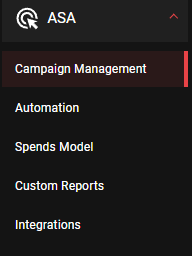
Side Bar Navigation - Select on Ads -
-

Ads Selection - Select the app for which Ads Creation is required from the 'Campaign Group' dropdown
-

App or Campaign Selection - Click on Add and then select on 'Create Ad' from the dropdown
-
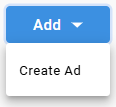
Add Dropdown List - Post Click Visual -
-
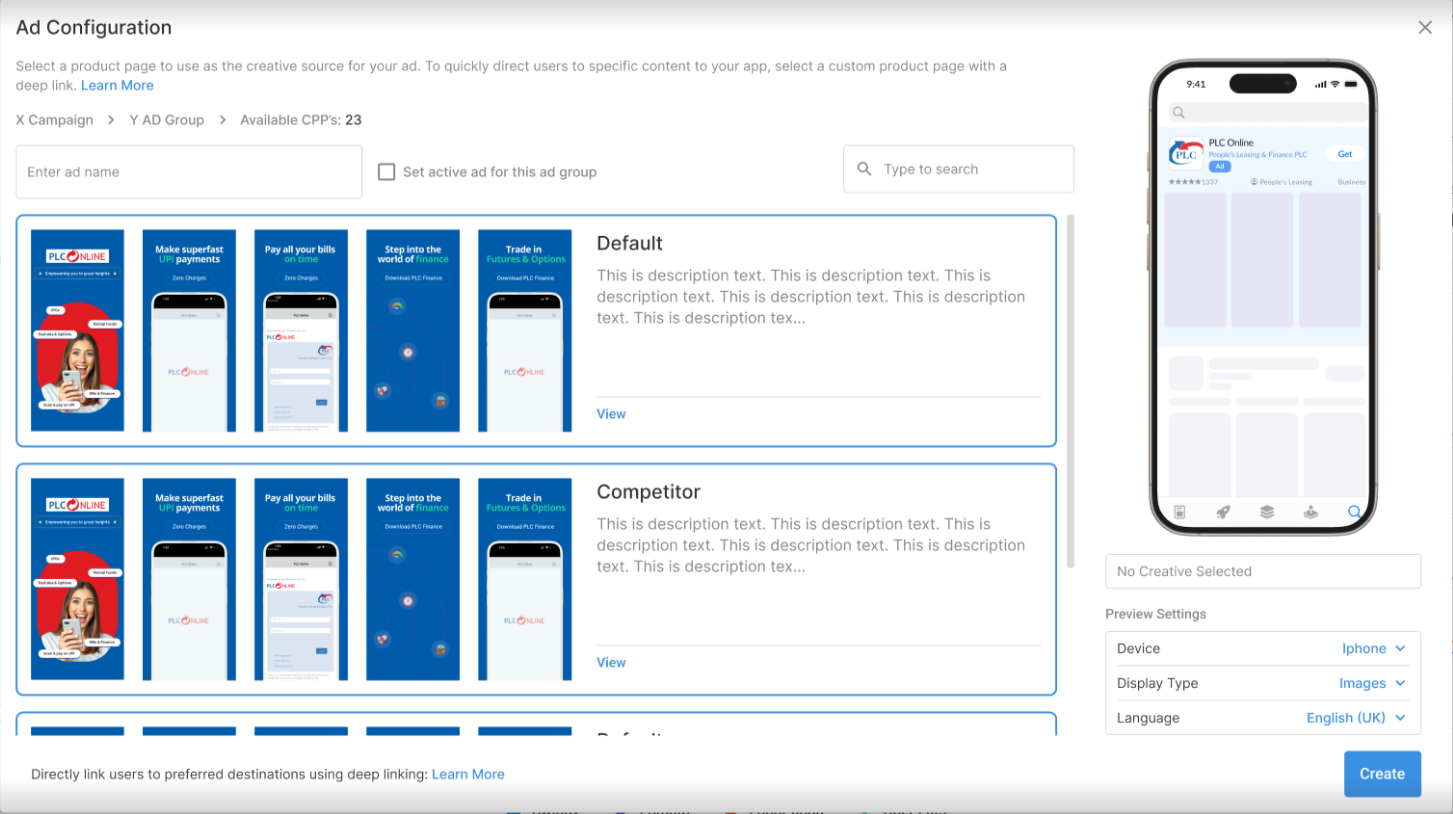
Ad Configuration Visual - Select the favorable CPP from the list
- Edit the 'Preview Settings' according to the requirement -
- Device -
-
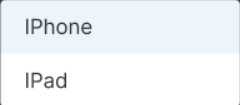
Device Dropdown List - Display Type -
-
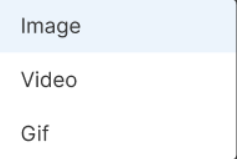
Display Type Dropdown Visual - Language -
-
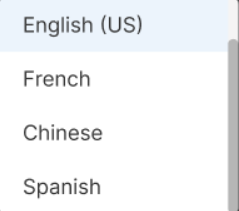
Language Dropdown Visual - Finally, Click on 'Create' at the bottom right
